Real output, unedited. Drag the divider, or zoom in on the logo.
Works withGemini Omni videosVeo clipsGemini images
Three tools
Free watermark removers for Gemini videos, Veo clips and images
One for Gemini videos, one for Veo clips and one for Gemini images, each with a real before-and-after. Move across a picture to compare, then open the tool.
VideosAutomatic
Gemini Omni watermark remover
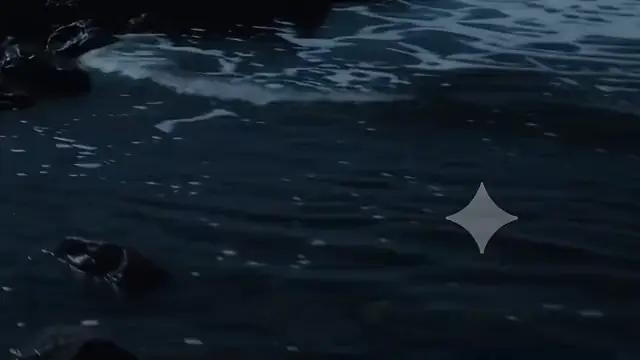
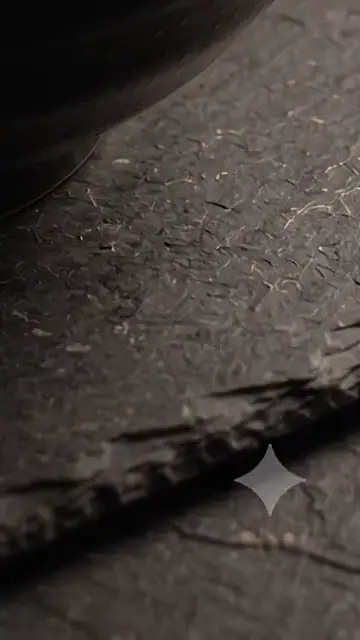
The sparkle in the corner of a Gemini video is see-through, so the real picture is still there. It is found by its shape, measured in your file and undone in every frame. Nothing to draw.
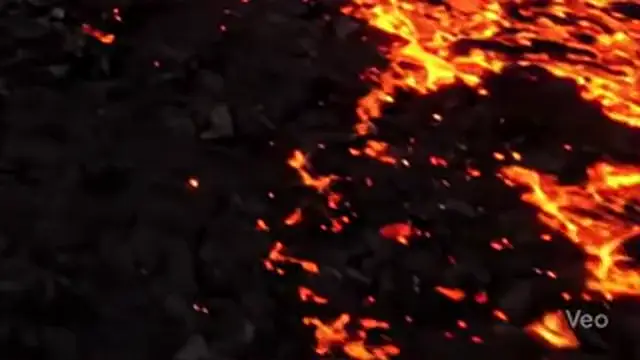
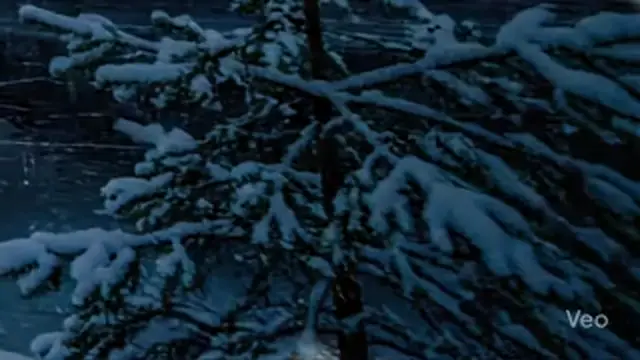
A Veo clip can carry the sparkle, the “Veo” text mark, or both. Each one is found by itself and removed from every frame, and the clip keeps its size, frame rate, length and sound.
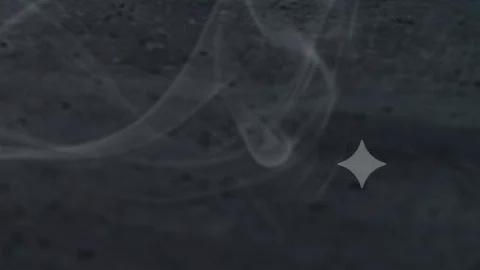
A photo has one frame only, so the sparkle’s known shape is fitted to your image (its place, size, softness and strength) and reversed on each colour channel. PNG stays lossless.
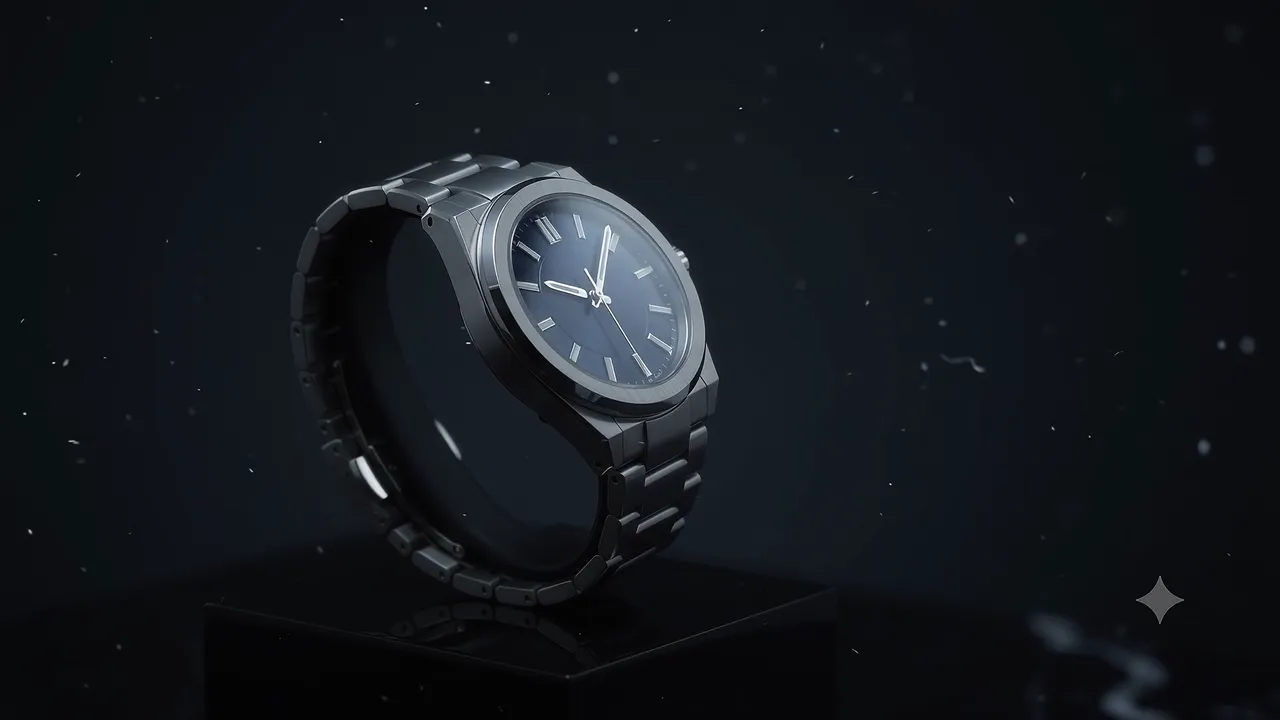
Every clip and photo above is unedited output. Hover or drag to compare; the crops show the corner where the logo sits.
How it works
How to remove an AI watermark in three steps
01
Drop in your files
Videos or photos, one or fifty. Nothing is uploaded: your browser does the work.
02
It removes the logo by itself
The sparkle or Veo mark is located to the pixel, its exact opacity is measured in your file, and every frame is restored. No button to press.
03
Download clean files
Same resolution, frame rate and audio. One by one, or everything as a single ZIP.
Why ClearFrame
Why restoring the pixels beats blurring the logo
The AI sparkle is see-through, so the real picture is still in every frame. We measure the logo in your file and undo it exactly.
Every frame, really restored
Blur tools smudge the corner and inpainting invents new pixels that flicker. ClearFrame reverses the logo’s blend in each frame, so whatever moves behind it stays sharp. How it works
The real pixels come back, not a guess
Steady in motion: no smudge, no flicker
Same resolution, framing and audio
OriginalLogo removed
Private by design
Files never leave your device. No uploads, no queues, nothing stored on a server.
Quality kept
Same resolution, frame rate and frame count. Audio copied bit for bit.
Batch mode
Drop a whole folder. The first video shows the rest where the logo sits.
Photos too
PNG, JPG and WebP. PNGs stay lossless.
Veo text mark
Found on its own in wide and vertical Veo clips, together with the sparkle.
Nothing to install
Runs in a modern browser on your computer. No app, no plugin, no account to try.
Compared
Why not just blur it?
Feature
ClearFrame
Blur / crop tools
AI inpainting
Brings back the real pixels under the logo
Yes
—No
—No
No smudge, patch or flicker in moving video
Yes
—No
PartlyPartly
Keeps resolution and framing
Yes
PartlyPartly
Yes
Files stay on your device
Yes
PartlyPartly
—No
Whole folders at once
Yes
—No
PartlyPartly
Made for
Use cases: Gemini videos, Veo clips and Gemini images
Clean as many videos and photos as you like. Ads on the pages around the tools pay for ClearFrame; they are never placed inside a tool, and they never see your files, because your files never leave your device.
No account, no limit on files, no watermark of ours on your results
Everything runs in your browser, so there is no upload to wait for
Three tools: Gemini Omni videos, Veo clips and Gemini images
The four-pointed sparkle that Google Gemini puts in the corner of generated videos and images, and the “Veo” text logo that Veo clips can carry. Each has its own remover, and all three find the logo on their own: the Gemini Omni watermark remover for videos, the Veo watermark remover for Veo clips and the Gemini photo watermark remover for images.
See all tools to pick the one that matches your file.
Is anything left behind?
The sparkle is see-through, so the real picture is still in every frame, just blended with white. ClearFrame measures the logo’s exact shape and opacity in your file, reverses that blend in every frame, and then cleans the compression noise along its edge. On most videos nothing is left to see, even zoomed in.
Where a logo is fully opaque there is nothing underneath to recover, so those pixels are filled in from their surroundings.
Are my files uploaded anywhere?
No. Everything runs in your browser on your own device. Your videos and photos never reach our servers, so they stay private and you don’t wait for uploads.
Will I lose quality?
Resolution, frame rate and the number of frames stay exactly the same, and the audio is copied untouched. Because pixels change, the video has to be re-encoded: Maximum quality uses about 2.5× the original bitrate, so the difference isn’t visible.
PNG photos stay lossless. JPEGs are saved at 95% quality. WebP photos come back as PNG.
Which files and browsers work?
Videos: MP4, MOV, WebM and MKV, in any codec your browser can decode (H.264, HEVC, VP9, AV1). Results are saved as MP4. Photos: PNG, JPG and WebP.
A recent Chrome or Edge on a computer works best. Recent Safari and Firefox handle most files. Phones are fine for photos and short clips.
How long does it take?
It depends on your computer and on the video’s length and resolution. Each file shows its own progress, and batch mode works through the whole list while you do something else.
Use ClearFrame only on content you have the right to edit. It removes the visible logo, not invisible watermarks such as SynthID, so label AI-generated content where required.



 OriginalLogo removed